
How to install Smart Notch
Updated 13 November 2026Smart Notch installs from Microsoft Store in one step. This guide covers the requirements, two ways to install, what happens on first run, and how to update, uninstall and fix the most common problems.
System requirements
- Windows 11, or Windows 10 version 2004 (build 19041) or later. How to check your Windows 10 version.
- A 64-bit (x64) PC.
- Microsoft Store, to install and update.
- An internet connection for the install. Afterwards, only features such as lyrics, weather and update checks go online.
Option 1: Microsoft Store
- Open the Smart Notch page in Microsoft Store.
- Select Get (or Install). There is no setup wizard and nothing to extract.
- Select Open, or start Smart Notch from the Start menu.
Option 2: winget
If you prefer the command line, Windows Package Manager can install the same Store package:
winget install --id 9N1D46F5X565 --source msstoreFirst run
- The island appears at the top centre of your main display. Hover over it to open the dashboard.
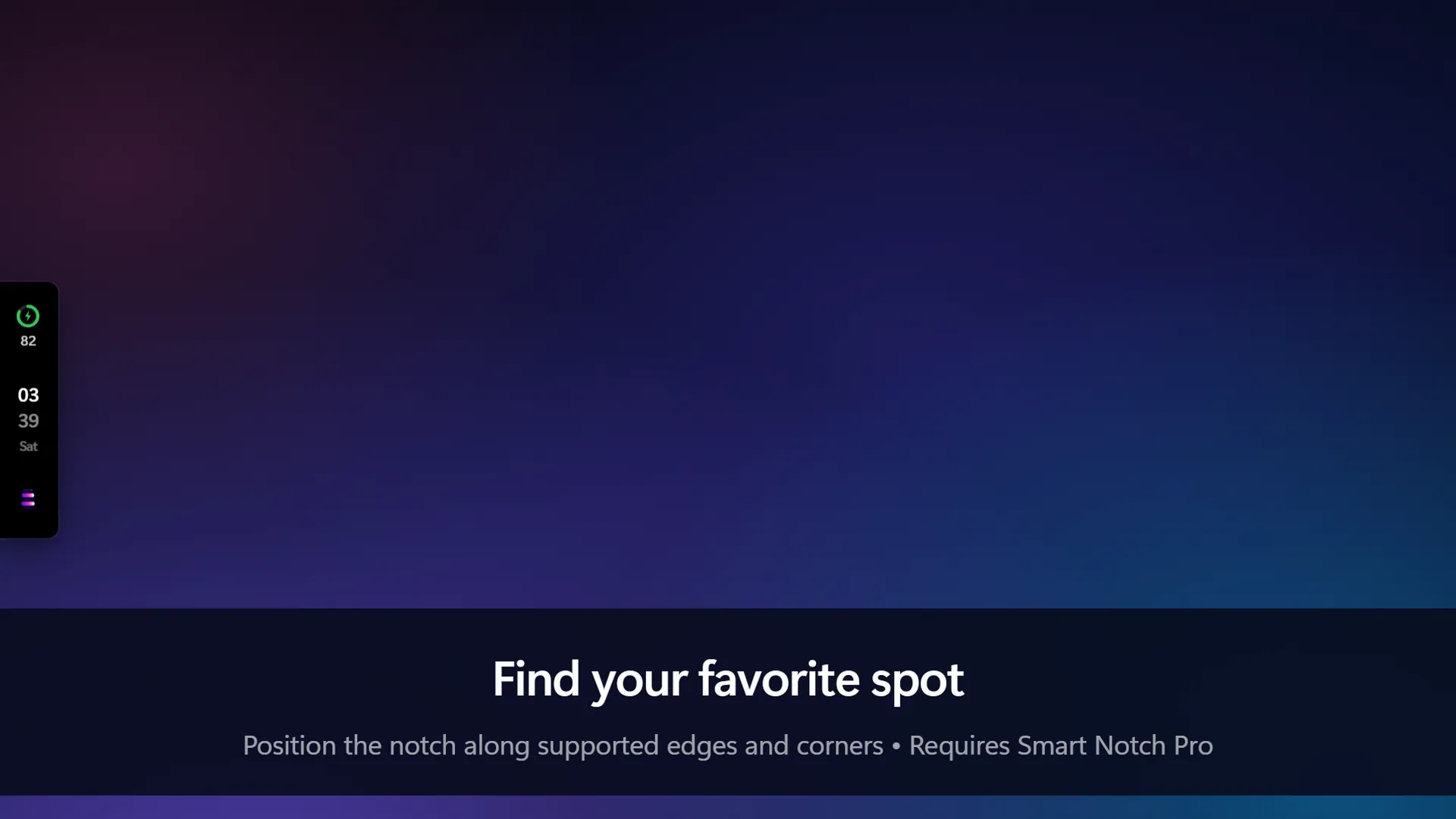
- Open Settings from the island to choose notch, pill or bar style, move it to another edge or monitor, and pick a theme.
- Smart Notch also adds an icon to the taskbar's hidden icons area (^), with Show Smart Notch and Settings.
- It starts with Windows. To change that, open Settings → Apps → Startup in Windows and switch Smart Notch off.
Updating
Microsoft Store updates Smart Notch in the background. To update straight away, open Microsoft Store, go to Library and select Get updates. Release notes are in the changelog.
Uninstalling
Right-click Smart Notch in the Start menu and choose Uninstall, or use Settings → Apps → Installed apps on Windows 11 (Apps & features on Windows 10).
If something goes wrong
Smart Notch seems to do nothing when I open it
It is usually already running. Hover over the top of your screen, or the edge where you placed it. Opening Smart Notch again shows the island and opens Settings. It also hides on purpose while a full-screen game or video covers the screen.
The island has turned into a thin line
That is the slim-line mode. Double-click the line to bring the island back.
"This app can't open"
Windows shows this before Smart Notch starts, usually because it could not verify the Store licence or the package. Sign in to Microsoft Store and select Library → Get updates. If that does not help, open Settings → Apps → Installed apps → Smart Notch → Advanced options and select Repair.
Still stuck?
The full troubleshooting guide has more steps, or you can contact support.
Get Smart Notch from Microsoft Store See it in action
Smart Notch is an independent app inspired by the Dynamic Island on iPhone. It is not affiliated with Apple or Microsoft.