
A free Dynamic Island for Windows
Updated 13 November 2026Smart Notch is free to download from Microsoft Store and free to keep using. There are no ads and no account. An optional one-time Pro upgrade adds extra tools. This page lists exactly what is on each side.
What you get for free
- The island itself in three styles (notch, pill or bar), at the top or on either side of any display.
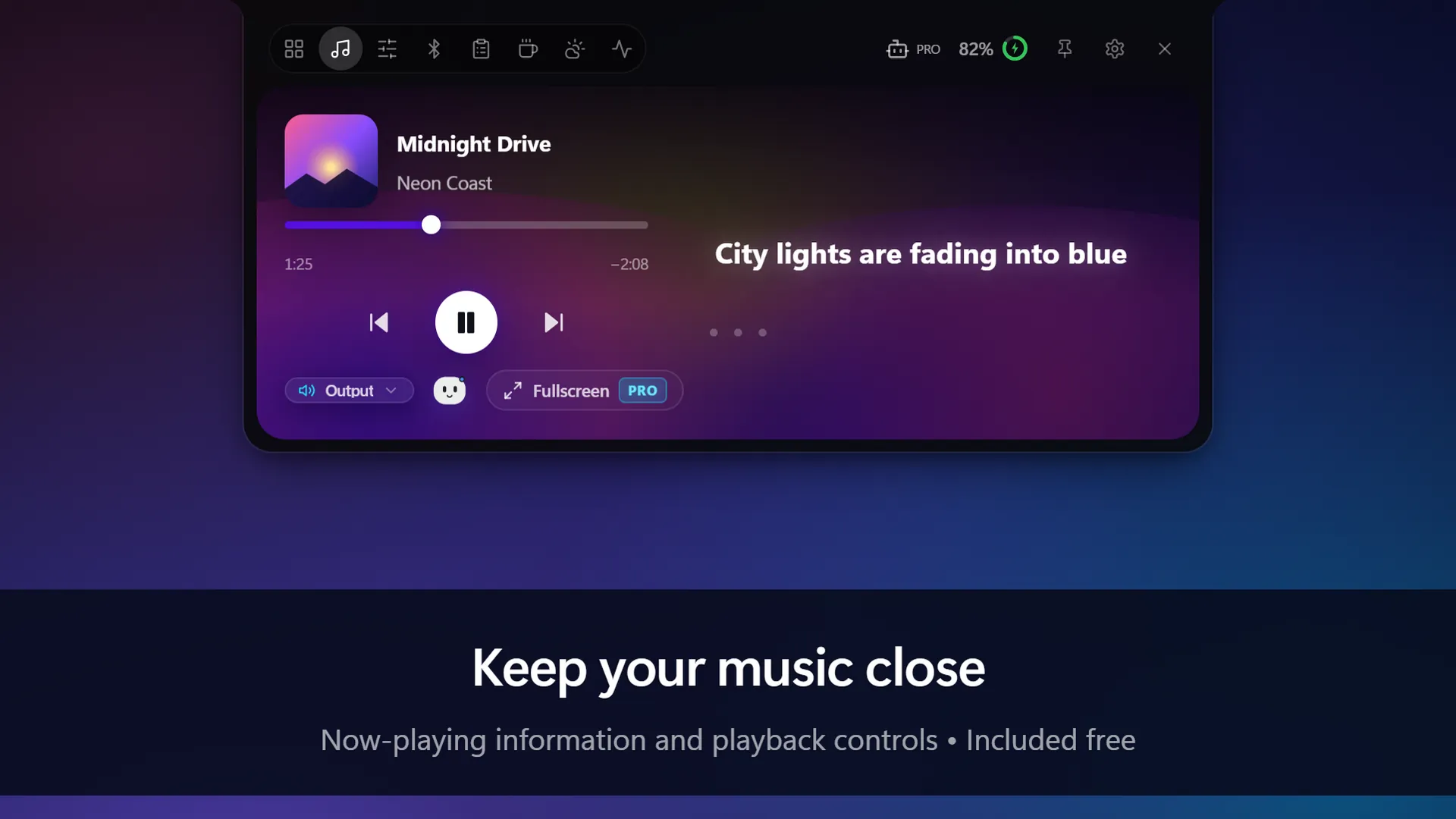
- Media controls with artwork: play, pause and skip for any app that uses Windows media controls.
- System stats: CPU, memory, network, storage, battery and uptime. You choose which tiles to show.
- Everyday controls: volume, brightness, Bluetooth devices and weather, plus shortcuts to Calculator, Snipping Tool and Task Manager.
- Focus timer with work and break sessions and a task list, and a stopwatch.
- Clipboard history, so you can paste something you copied earlier.
- Privacy indicators while an app uses your camera or microphone.
- Live themes and your own accent colour.
What Pro adds
Smart Notch Pro is a one-time upgrade bought inside the app through Microsoft Store. It is not a subscription. It adds:
| Pro feature | What it does |
|---|---|
| Live lyrics and fullscreen music | Synced lyrics that follow the song line by line, a fullscreen listening room with visualizers, and one-click audio output switching. |
| Notchy | Follows AI coding agents such as Claude Code, Codex and Antigravity, and lets you answer their questions and permission requests from the notch. |
| Drop Shelf and Phone link | Hold files on the notch for later, and send files between your PC and phone over Wi-Fi by scanning a QR code. |
| Clipboard Pro | Pinned snippets, image previews and smart actions such as colour conversion. |
| Volume Mixer | A separate volume slider for each app. |
| Download progress | Shows browser downloads in the notch as they run. |
| Quick Apps | Launch slots for the apps you open most. |
| Invisibility Cloak | Press Ctrl+Alt+H to blur everything on screen at once. |
| Edge Light | A bright band around your screen to light your face on video calls. |
| Custom size, placement and flagship themes | Fine-tune the island's dimensions and position, and unlock extra animated themes. |
Agent features depend on the agent tools being installed and signed in. The current Pro price is shown in the app and on the Store page, and can vary by country.
Why it comes from Microsoft Store
Smart Notch is distributed through Microsoft Store only. The package is certified and signed by Microsoft, it updates in the background, and it uninstalls cleanly. You do not need to download an installer from a file-sharing site or switch off Windows security prompts to use it.
Common questions
Is the free version a trial?
No. The free features stay free, with no time limit.
Are there ads?
No. Smart Notch has no ads and no advertising trackers. The privacy policy explains which features go online, such as lyrics, weather and update checks.
Do I need an account?
No account is needed for Smart Notch itself.
Does it work on both Windows 11 and Windows 10?
Yes. See Dynamic Island for Windows 11 and Dynamic Island for Windows 10.
Get Smart Notch from Microsoft Store See it in action
Smart Notch is an independent app inspired by the Dynamic Island on iPhone. It is not affiliated with Apple or Microsoft.