
Dynamic Island for Windows 10
Updated 13 November 2026Smart Notch is not only for Windows 11. The same app, with the same features, runs on Windows 10 version 2004 and later. This page shows how to check that your PC qualifies and what looks different.
Check that your Windows 10 PC is supported
Smart Notch needs Windows 10 version 2004 (build 19041) or later on a 64-bit (x64) PC. Most Windows 10 PCs that have been updated since mid-2020 qualify, including every PC on 22H2.
- Press Win + R, type
winverand press Enter. - Read the line that starts with Version. You need version 2004 or higher, or an OS build of 19041 or higher.
- To check for 64-bit, open Settings → System → About and look at System type. It should say 64-bit operating system, x64-based processor.
If your version is older, run Windows Update first. The Microsoft Store will not offer Smart Notch to a PC below the minimum version.
What is the same as on Windows 11
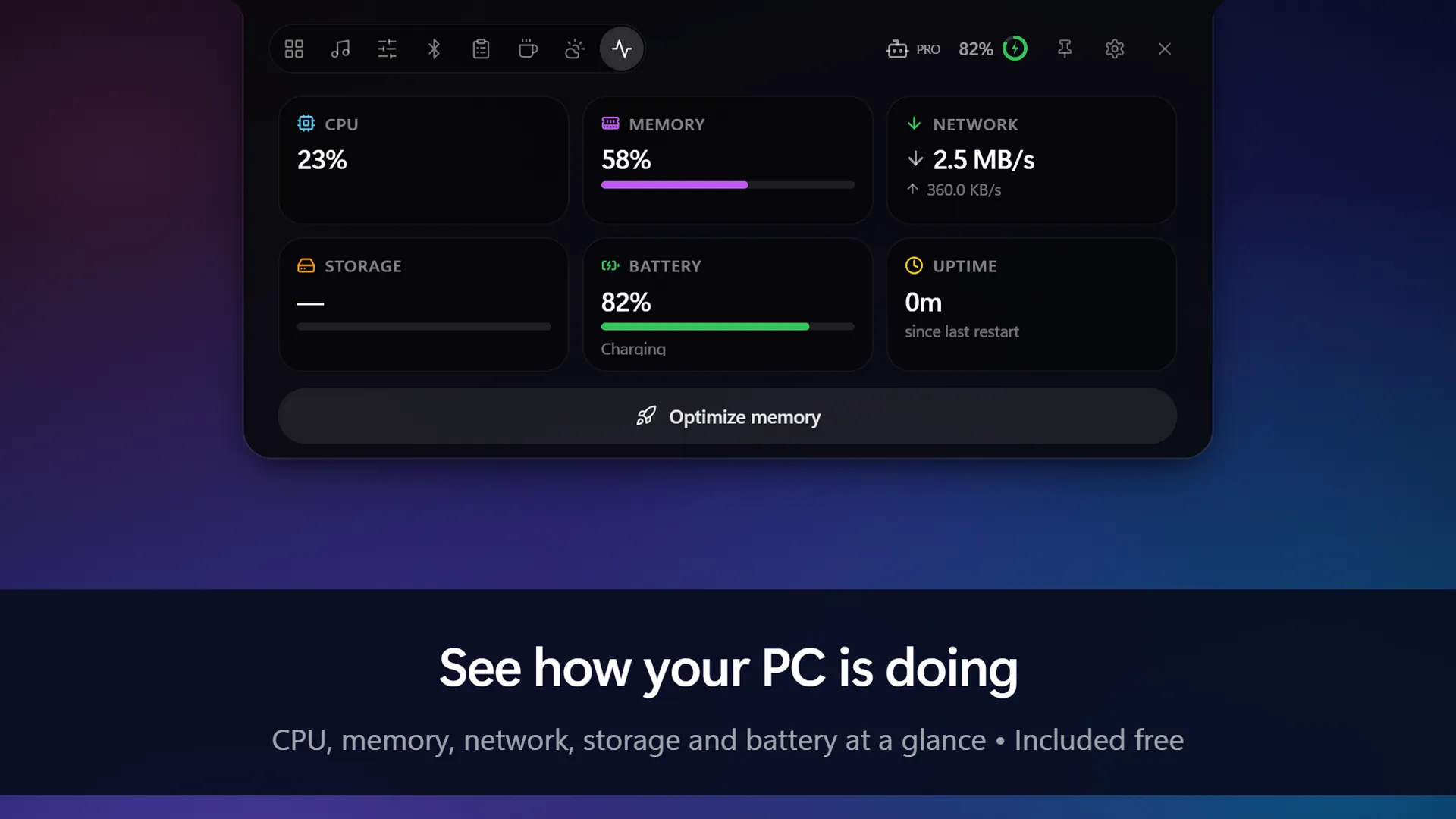
The features are the same. You get the notch, pill and bar styles, media controls, system stats, the focus timer, Bluetooth, weather, clipboard history and the rest of the free essentials, and the same optional Pro upgrade. The feature guide applies to both versions of Windows.
What is different on Windows 10
- Glass effects. A few of the blur and glass effects look their best on Windows 11. On Windows 10 the island is fully usable, with a slightly plainer finish.
- A taskbar at the top. Windows 10 lets you dock the taskbar to the top of the screen. If you do that, you can put the island on the left or right edge instead.
- Menu names. To uninstall, Windows 10 uses Settings → Apps → Apps & features, where Windows 11 says Installed apps.
Install Smart Notch on Windows 10
- Open the Smart Notch page in Microsoft Store and select Get.
- Open Smart Notch from the Start menu. The island appears at the top centre of your screen.
- Hover over the island to open it. If you cannot see it, look for the Smart Notch icon in the hidden icons area (^) of the taskbar and choose Show Smart Notch.
More detail, including updating and troubleshooting, is in the install guide.
Common questions
Windows 10 is out of support. Does Smart Notch still work?
Yes. Microsoft ended support for Windows 10 in October 2025, but Smart Notch still supports Windows 10 version 2004 and later.
Is it free on Windows 10?
Yes, the same as on Windows 11. See Free vs Pro.
Will it slow down an older PC?
Smart Notch uses native Windows helpers and pauses its background work while it is out of view, so it stays light on CPU and memory.
I have upgraded to Windows 11. Do I need to reinstall?
No. It is the same Store app on both. See Dynamic Island for Windows 11 for what changes.
Get Smart Notch from Microsoft Store See it in action
Smart Notch is an independent app inspired by the Dynamic Island on iPhone. It is not affiliated with Apple or Microsoft.